
eSIM Poland: Best Prepaid Plans and How to Use Them
An eSIM is the easiest way to get mobile data in Poland. You buy a plan online, scan a QR code before you fly, and you’re connected the moment you land, with no SIM shop and no roaming bill.
Plans for a week in Poland start at a few euros, and most providers also sell Europe-wide plans if you’re traveling on. Below we compare the best eSIM providers for Poland, how to install one and when a local SIM still makes sense.
In Short
- An eSIM gets you online the moment you land, with no SIM shop and no roaming bill.
- Your phone needs to support eSIM. Most iPhones from the XS onward, recent Google Pixels and newer Samsung Galaxy models do.
- Saily, Airalo, Holafly and Nomad all sell Poland plans, with options for small data packs or unlimited data.
- Install it before you fly, while you’re still on Wi-Fi, and switch it on when you arrive.
- Already on an EU phone plan? Roaming in Poland costs nothing extra, so you may not need an eSIM at all.
Join Our Facebook Group
Planning a trip to Auschwitz, Krakow or Warsaw? Ask questions, swap tips and share your plans with other people heading to Poland. It’s free to join.
In This Guide
Using an eSIM in Poland: The Basics
First, a quick look at what an eSIM is and why it beats a physical SIM. In a rush? Here are the best providers:
- Saily: Great value for longer itineraries. Fast speeds, built-in privacy tools, no setup stress.
- Holafly: Best for unlimited data. Ideal if you stream or don’t want to track usage.

Saily is the best eSIM for Poland!
Get an exclusive discount with the discount code TOURS5!
What Is an eSIM?
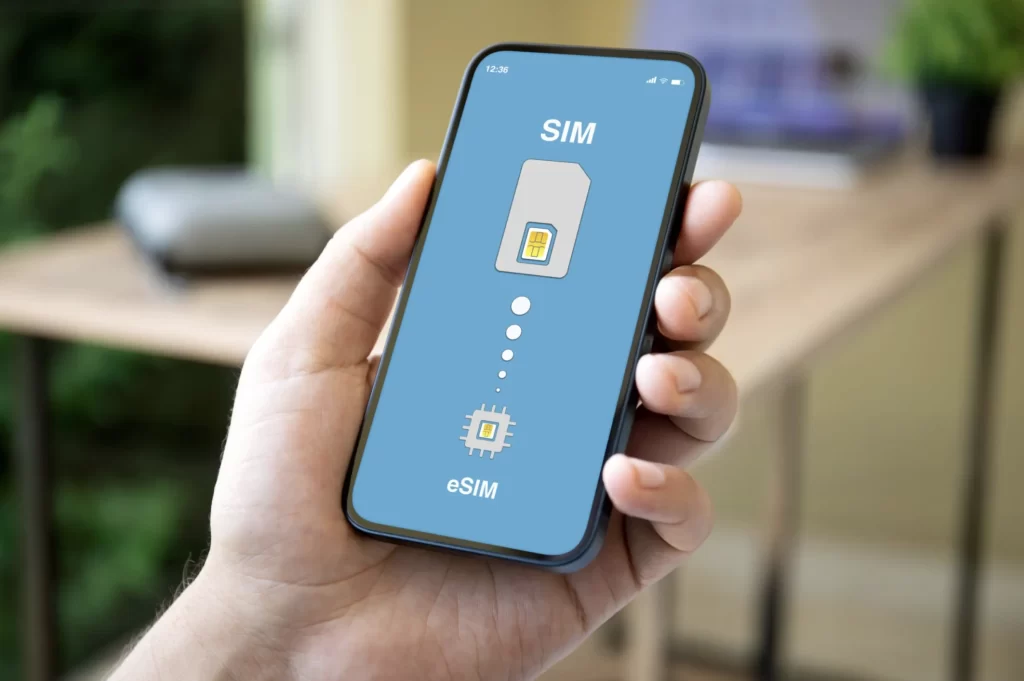
An eSIM is a SIM card built into your phone. Instead of swapping plastic cards, you install a data plan through an app and your phone connects to a local network.
Most modern phones can store more than one eSIM, so you keep your regular number active and use the eSIM for data in Poland. Setup takes a few minutes over Wi-Fi, and after that it works just like a normal SIM.
Why Use an eSIM in Poland?
An eSIM gives you data the moment you land, so there’s no waiting at a shop. It’s cheaper than roaming (much cheaper, in some cases), and it works straight away.
You can install it before your flight and use it for maps, taxis, tickets or messages the second you arrive. No add-on plan from your home provider, and no queue for a SIM card at the airport.
Speeds are fast since these plans use Poland’s main networks like Play or Orange. You also keep your regular SIM active, so you can still receive texts or codes from your home number. It’s simple, fast, and works well for your itinerary to Poland.

Easiest Option
Book a Day Trip to Auschwitz From Warsaw
Hotel pick-up, fast train tickets, entry, a licensed guide and free time in Krakow for lunch. From €148 per person, rated 4.6 from 1,000+ reviews, with free cancellation up to 24 hours before.
Top eSIM Providers for Poland
Poland has four main mobile networks (Orange, Play, Plus and T-Mobile), and eSIM providers like Airalo or Nomad sell data that works on them. Below are six providers offering prepaid eSIM plans suitable for your trip.
New to eSIMs? The prices below aren’t subscriptions. They’re one-off data packs: you buy a week, 2 weeks or a month, and the plan stops when the data is used up. Need more? Just buy another one. Prices change often, so it’s worth checking each app for today’s price before you buy.

Saily
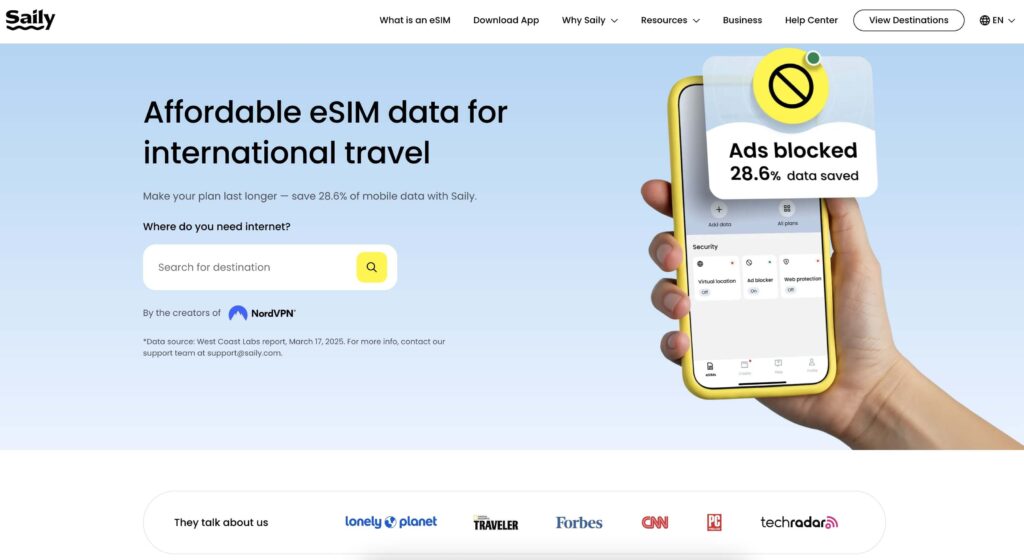
Saily feels modern, especially if you’ve used NordVPN before, since it’s from the same company. Their plans start at about $4.49, and a 10 GB plan for 30 days is about $13. Handy if you plan to travel to Poland for 10 days.
You don’t need to scan anything, just use the app and everything is done automatically. The app is smooth and shows how much data you’ve used in real time. In Poland, it uses the local networks, so speeds are good wherever coverage is decent.
You can quickly watch videos, send emails or load directions in Google Maps. You can also turn on its built-in privacy and security tools, which is a nice extra.
Saily works well if you want a balance between value and speed without having to think too much about setup. Plans are data-only by default, but you can add a US phone number in the app if you need one. Plus, who needs voice calls when you’re connected to WhatsApp or other messaging apps!
| Pros | Cons |
|---|---|
| Very affordable plans | Data-only unless you add a US number |
| Easy activation process | Coverage quality depends on local providers |
| Real-time data monitoring |
Holafly
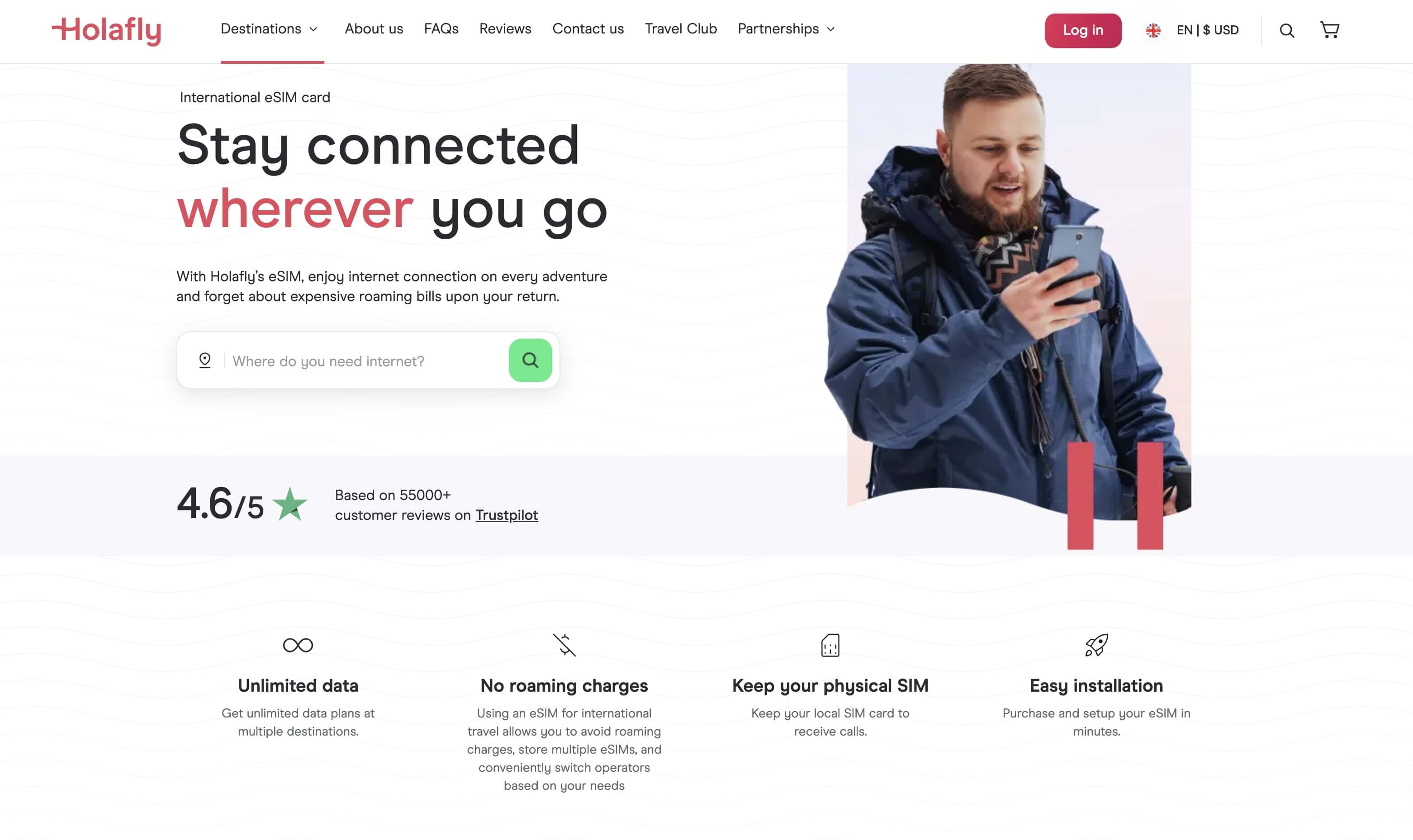
Holafly is the one to pick if you don’t want to worry about data limits. Every plan is unlimited, and setup is quick. It costs a bit more than other eSIMs for Poland, but you never have to think about data.
A month-long plan costs more than most, but it’s great if you work online or stream. Also, Holafly sells plans longer than a month, up to 90 days.
You get a QR code by email and scan it to install. In Poland, the plan connects to Plus, Orange or Play with solid 4G (and sometimes even 5G).
Speeds are fine for most things, though heavy streaming can slow it down a bit. Hotspot sharing is limited, so check the plan details if you want to use it with a laptop.
Still, Holafly is the best pick if you don’t want to check your data every day. It’s simple and it works, just expect to pay more on trips longer than a week.
| Pros | Cons |
|---|---|
| Unlimited data | Higher cost for longer stays |
| Flexible plan durations | No voice or SMS services |
| Immediate eSIM delivery | Hotspot usage limitations |
Join Our Facebook Group
Planning a trip to Auschwitz, Krakow or Warsaw? Ask questions, swap tips and share your plans with other people heading to Poland. It’s free to join.
Airalo
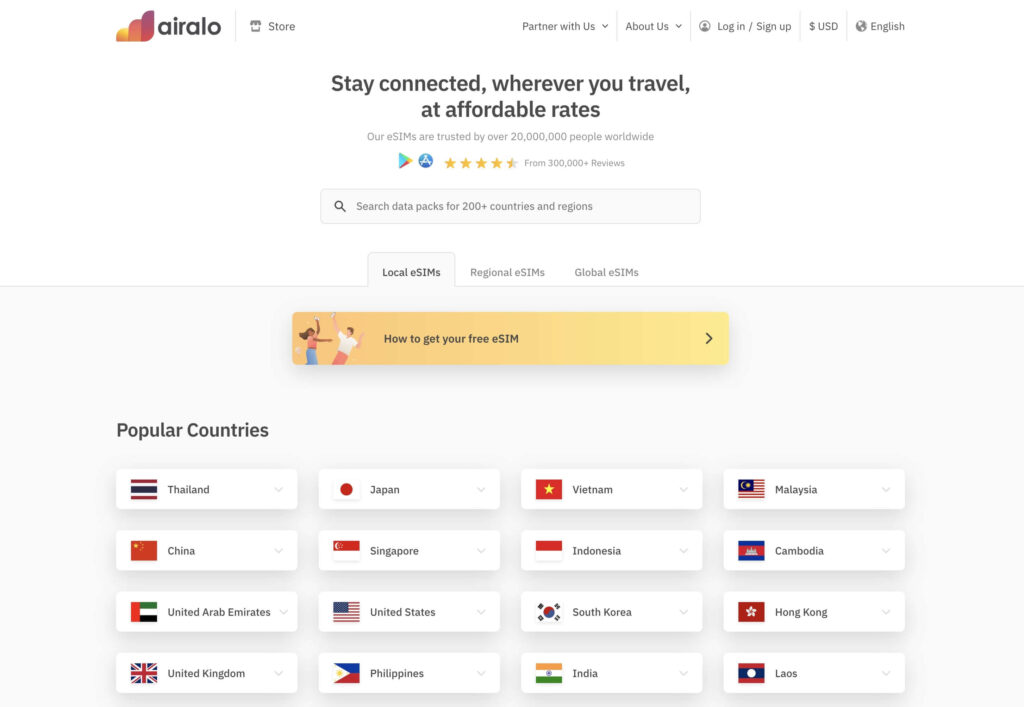
Airalo is one of the easiest options if you’re new to eSIMs, and one of the best-known brands. Open the app, pick Poland and choose a plan. Poland plans are unlimited data only now, starting at $11.50 for 3 days and going up to $69 for 30 days.
The QR code pops up right away. Scan it and your phone locks onto the Play network in less than two minutes. Connection stays solid in Warsaw, Kraków, and Gdańsk, and speeds feel just like a local SIM.
The app shows your data in real time, and topping up takes a few taps. It doesn’t do calls or SMS, but it’s a great choice for short or medium trips where you only need data that works straight away.
| Pros | Cons |
|---|---|
| Affordable starting price | Data-only; no voice or SMS services |
| User-friendly app for monitoring and top-ups | |
| Reliable connection through local networks |
Nomad
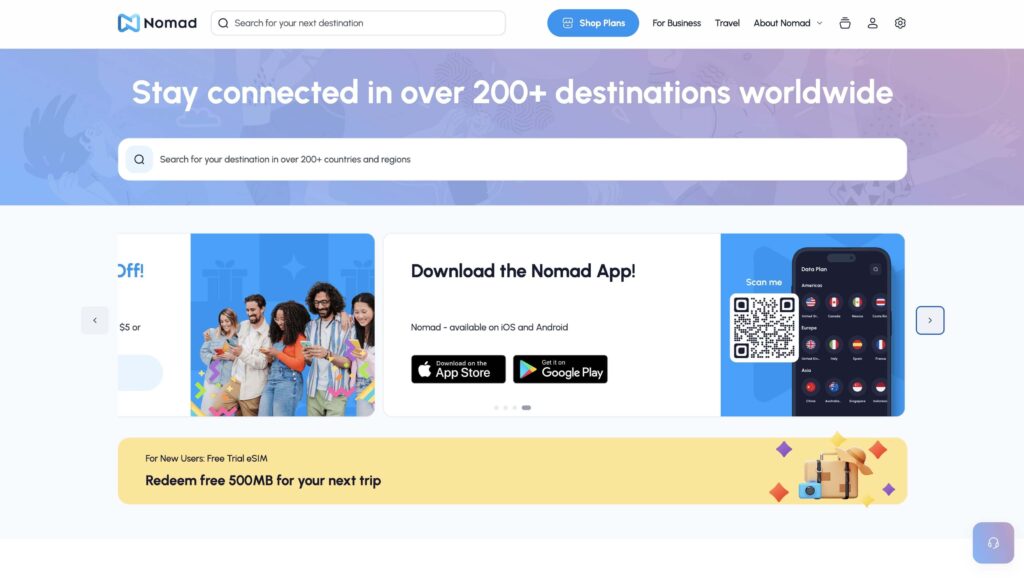
Nomad is good when you want flexibility. You can buy a small plan for a week or a bigger one for a month, and there are larger plans if you’re staying longer.
Setup is fast. You install it through the app, and it starts working within seconds of landing. In Poland, Nomad usually connects to Plus, Orange or Play, which gives you solid 4G and 5G speeds.
Speeds feel just like a local SIM when you’re in cities. Even video calls or streaming aren’t a problem. You can switch networks if one gets weak, which helps on trains or in rural areas, for example on the way to Auschwitz.
The app tracks your usage, and topping up is easy. It doesn’t include a phone number, but it’s great for working online, streaming or social media.
Staying more than a few days and need solid data at good speeds? Nomad is one of the best options.
| Pros | Cons |
|---|---|
| Many data options available | Again, data-only. No voice or SMS text services |
| Access to multiple local networks | Some plans have daily data caps |
| The app is very easy to use |
Jetpac
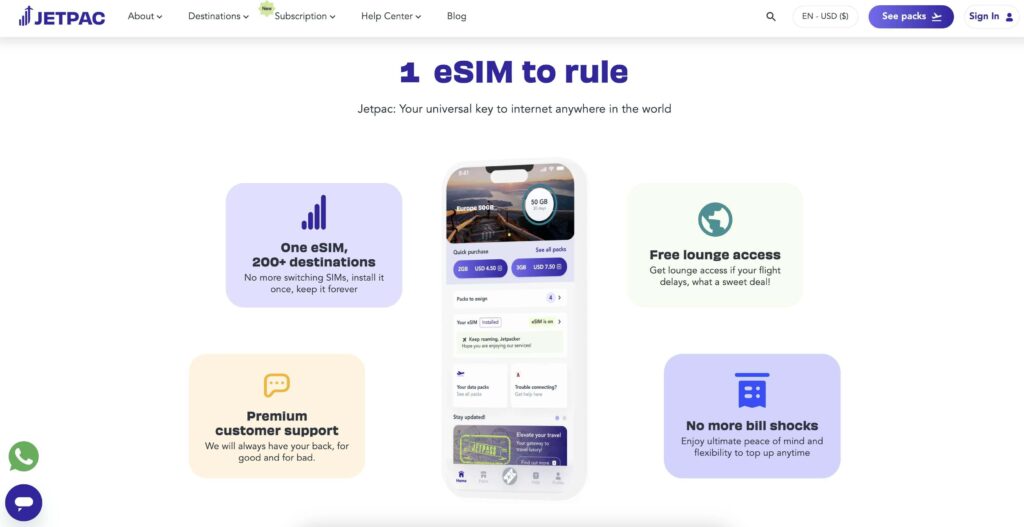
Jetpac is a smart pick if you’re traveling through multiple countries, and it sells Poland plans too. They have small data plans and unlimited ones, and the unlimited plans have a daily cap on high-speed data. Solid value for a short trip.
Note: Jetpac regularly offers discounts on its higher-tier packs, so it’s worth checking their app for the current deal before buying.
You set it up in their app and it connects once you arrive. In Poland, it uses the local networks, and the signal is decent in most cities. The speed is good for general use like WhatsApp or Maps.
You also get perks like airport lounge access if your flight is delayed. The app is a bit basic and speeds can drop at busy times, but it’s hard to beat the price. Jetpac is great for a short trip when you just need data without spending much.
| Pros | Cons |
|---|---|
| Very cheap starting price | Unlimited plans have a daily cap on fast data |
| Multi-country coverage | No voice or SMS services |
| Additional travel perks | Potential speed reductions during peak times |
Easiest Option
Book a Day Trip to Auschwitz From Warsaw
Hotel pick-up, fast train tickets, entry, a licensed guide and free time in Krakow for lunch. From €148 per person, rated 4.6 from 1,000+ reviews, with free cancellation up to 24 hours before.
Orange Travel
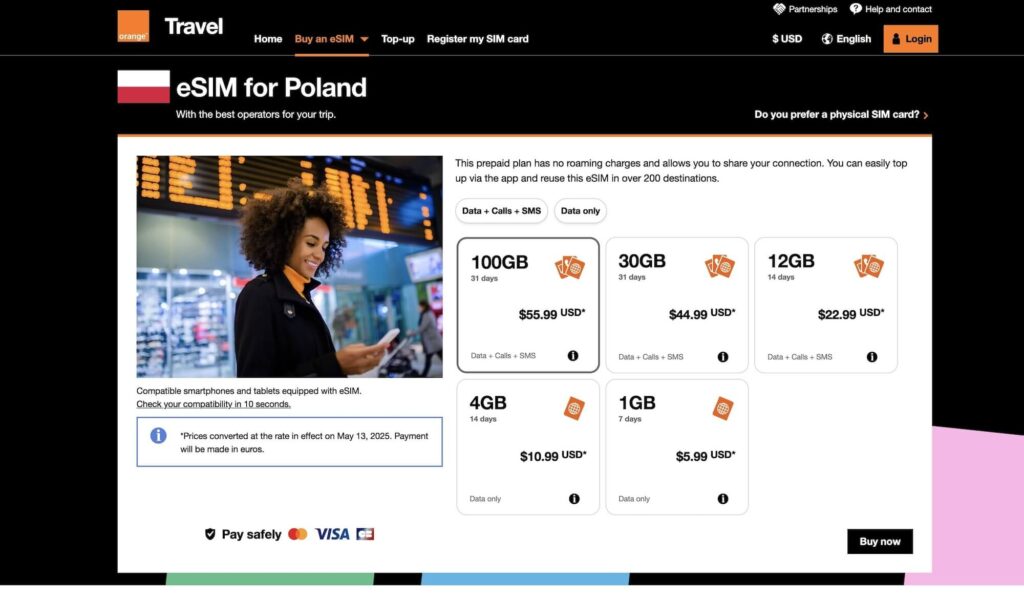
Finally, Orange Travel. It’s an eSIM from Orange, the French telecom group, and not a plan from Orange Polska, so you don’t get a Polish number or local rates. Need a real Polish number? Look at Orange Flex, the app-based plan from Orange Polska, or a prepaid SIM.
They sell short and long plans with large data allowances.
However, once it’s installed, the coverage is excellent. Speeds are strong on 4G and 5G in bigger cities like Kraków or Warsaw. It works well for long stays where you need a lot of data.
Our opinion? It’s worth it only if you plan to stay long-term and need a big data pack. Otherwise, other providers in this list are more convenient and cheaper.
| Pros | Cons |
|---|---|
| Plans up to 90 days | No Polish number or local rates |
| High data allowances | Prices may be shown in euros |
| Strong network coverage |
How to Buy and Install an eSIM
Buying one takes minutes and saves you stress at the airport. Do it at home on good Wi-Fi: fill in the form, pay, and the company emails you a QR code or shows it in the app.
- Download the app for your chosen provider.
- Open the provider’s app and purchase your Poland plan.
- After payment, tap “Install eSIM” directly in the app.
- Your phone will guide you through automatic setup. If you prefer doing it yourself, you’ll be given a QR code.
- The eSIM gets installed and shows as a secondary line.
- Before your trip, leave it off to avoid accidental data use.
- When you land, go to your phone settings, then click on Mobile Data, and switch the data line to the eSIM.
You’ll get an activation message or a notification within seconds. Nothing happening? Turn airplane mode on and off once and you’re set. Keep the email too, since you may need the code again if you reset your phone.
eSIM vs Physical SIM in Poland
Need mobile data in Poland? You can go with an eSIM or a physical SIM card. Both work, but the setup, prices and features differ. Here’s how they compare.
| Feature | eSIM | Physical SIM |
|---|---|---|
| Setup time | About five minutes online | 20–30 minute shop visit |
| Hardware | Nothing extra | Tiny plastic card to handle |
| Re-use | Store multiple plans in settings | Swap cards manually |
| Price | Slightly higher at small sizes | Often cheaper on large data packs |
| Voice number | Usually data-only | Includes a local number by default |
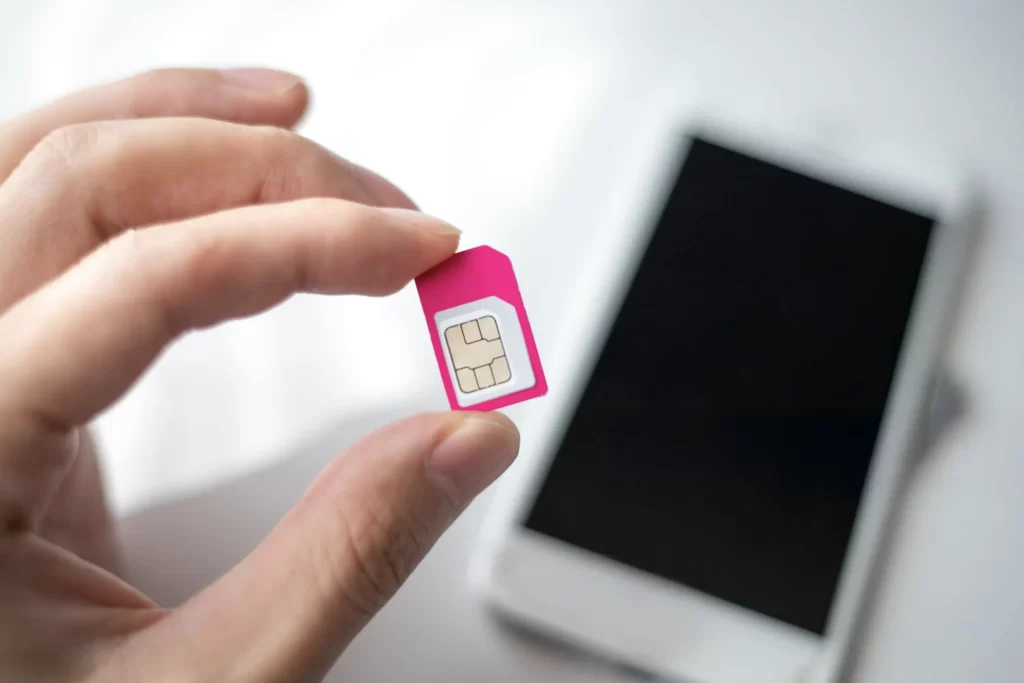
If your phone doesn’t support eSIMs, you can stop at any Żabka or Relay store at the airport and grab a cheap prepaid Orange or Plus SIM. Bring your passport, since prepaid SIMs must be registered with ID. But if your phone is eSIM-ready, going digital is quicker and much more convenient.
Tips for Using eSIMs in Poland
Once your eSIM is set up, a few simple habits make your data last longer and help you avoid surprises.
Before your trip, download offline maps for each city you plan to visit using apps like Google Maps or Maps.me. That way, you can get around even if the signal drops or your data is used up. It also helps cut down on how much mobile data you use each day.
Next, check your social media settings. Instagram, Facebook and TikTok autoplay videos while you scroll, and that eats data fast. Turn autoplay off, or set it to Wi-Fi only, and you can save several gigabytes in a week.
Wait until you’re on hotel or café Wi-Fi before downloading big files, updating apps or backing up photos to the cloud. With Holafly’s unlimited data this matters less, but it’s still a good habit. That way your eSIM data goes on the things that matter when you’re out, like maps, messages and train times.
Every now and then, open your provider’s app to check how much data is left. It takes a few seconds and stops you from being caught without data on a long bus ride or somewhere rural without Wi-Fi. These small habits make a big difference on a limited plan, especially over a week or more.
FAQ About eSIMs in Poland
Still unsure how eSIMs work in real life? Here are quick answers to common questions that come up when planning a trip to Poland.
Can Your Phone Use an eSIM?
All iPhones from the XS and XR series onward, Google Pixel 3 and newer, and most Samsung phones from the Galaxy S20 line can load an eSIM.
Open your network settings and look for an “Add eSIM” button. If it’s there and your phone is carrier-unlocked, you’re good to go. No such option? Your phone doesn’t support eSIM, and you’ll need a normal plastic SIM instead.
Can You Use the Same eSIM in Other EU Countries?
Yes, if your eSIM plan includes EU roaming or if it covers the whole EU area. Some plans from Jetpac or Nomad work across Europe without issues.
If your plan is for Poland only, data will stop once you leave the country. You can still keep the eSIM installed, but you’ll need a new plan or a top-up that supports the next country you visit.
Note that some providers, such as Holafly, sell plans for the whole EU zone, so compare prices before you buy a Poland-only one.
What if You Use Up Your Data During the Trip?
Most apps show how much data you’ve used and send a notification or an email warning when you’re close to the limit. If you use it all up, your connection either stops or slows down. You can open the app, buy more data, and the plan updates right away. You don’t need to reinstall the eSIM. It just adds more data to the same one.
Can You Have More than One eSIM on Your Phone?
Yes, newer phones let you set up multiple eSIMs at a time. You can load different plans for Poland, Germany, or other countries, and switch between them in your settings.
Most phones can keep two lines active at once, such as your home SIM and one travel eSIM, and you can switch between stored plans in a few taps. Remove the ones you no longer need to keep things tidy.
How to Switch or Delete an eSIM After the Trip?
Go to your phone settings, tap the eSIM, and choose to remove it. It’ll be erased right away. If you want to keep it for a future trip, just leave it installed and turn it off. You can always switch between plans without losing your main SIM or any saved info on your phone.